Tags & playback
What a tag is#
A tag is a named range of frames — the green band on the timeline. It lets you play, loop or export just that stretch, so one document can hold idle, walk, attack and hurt side by side.
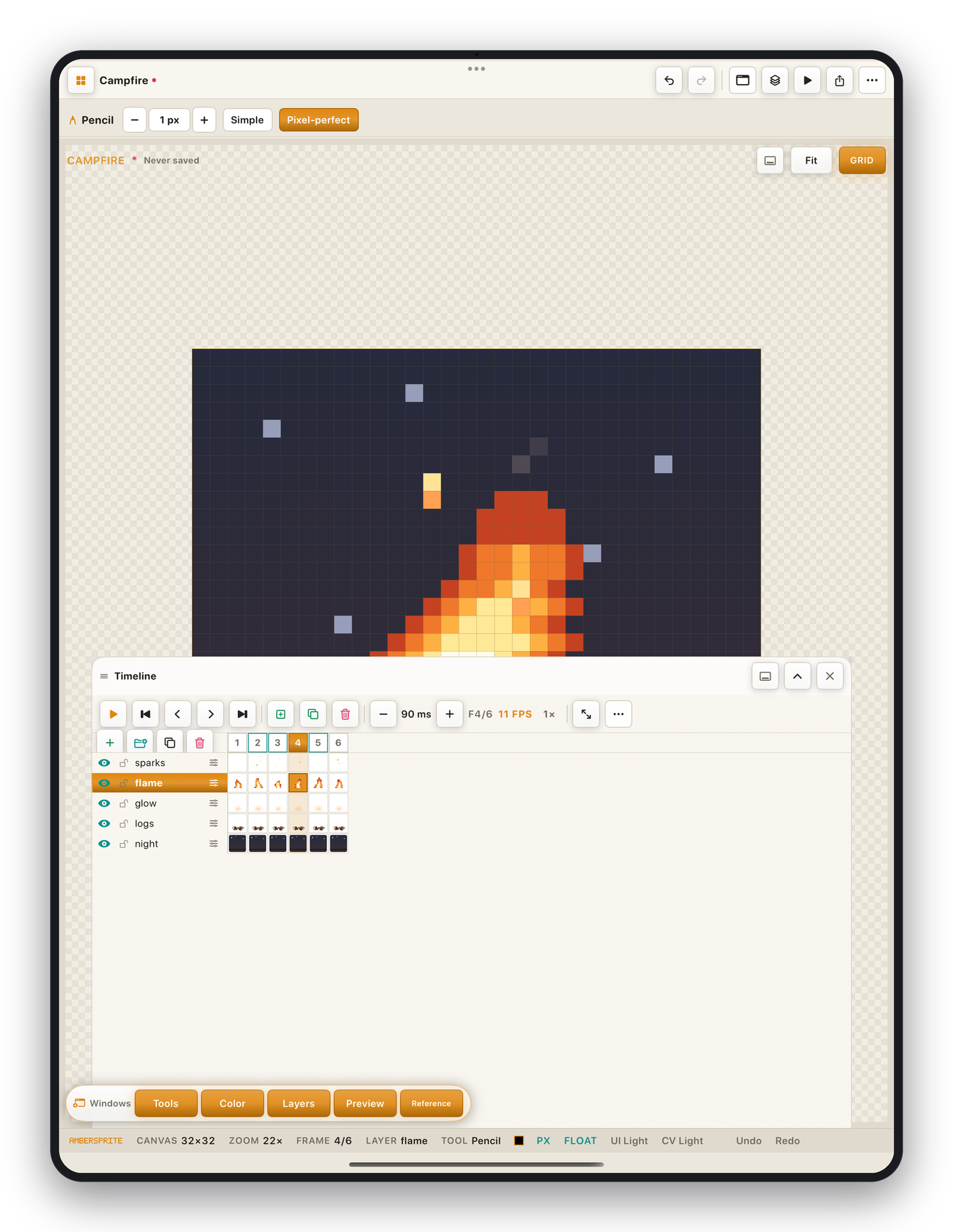
Create and edit tags#
⋯ ▸ Frame or the timeline menu:
| Command | Result |
|---|---|
| Add Tag | Create a tag over the current frame selection. |
| Delete Tag | Remove the active tag. |
| To Here | Extend the active tag to the current frame. |
| To Tag | Move the selected frames into a tag. |
Tap a tag in the timeline menu list to jump to and scope playback to it.
Tag properties#
- **Name*— used in the sprite-sheet JSON and game exports.
- **Range*— first and last frame.
- **Direction*— Forward, **Reverse*or Ping-pong.
- **Repeat count*— how many times it loops before stopping.
Playback options#
Timeline menu ▸ Playback:
| Option | Effect |
|---|---|
| Play from current frame / from frame 1 | Where ▶ starts. |
| Don't return / Return to edit frame | Whether stopping playback jumps back to the frame you were editing. |
| Loop ∞ / N× | Loop count for the active range. |
| Direction | Forward / Reverse / Ping-pong for the untagged timeline, or for the active tag. |
| Speed × | Preview clock multiplier (0.25×–4×) — does not affect exported durations. |
Exporting a single tag#
In Export, choose a sprite sheet layout of By Tag, or set the frame range to the tag's bounds. GIF / APNG / MP4 exports also respect the frame range. See Exporting your work.