Drawing & shape tools
All of these tools paint with the foreground colour, respect the current ink mode, and are limited to the active selection if one exists.
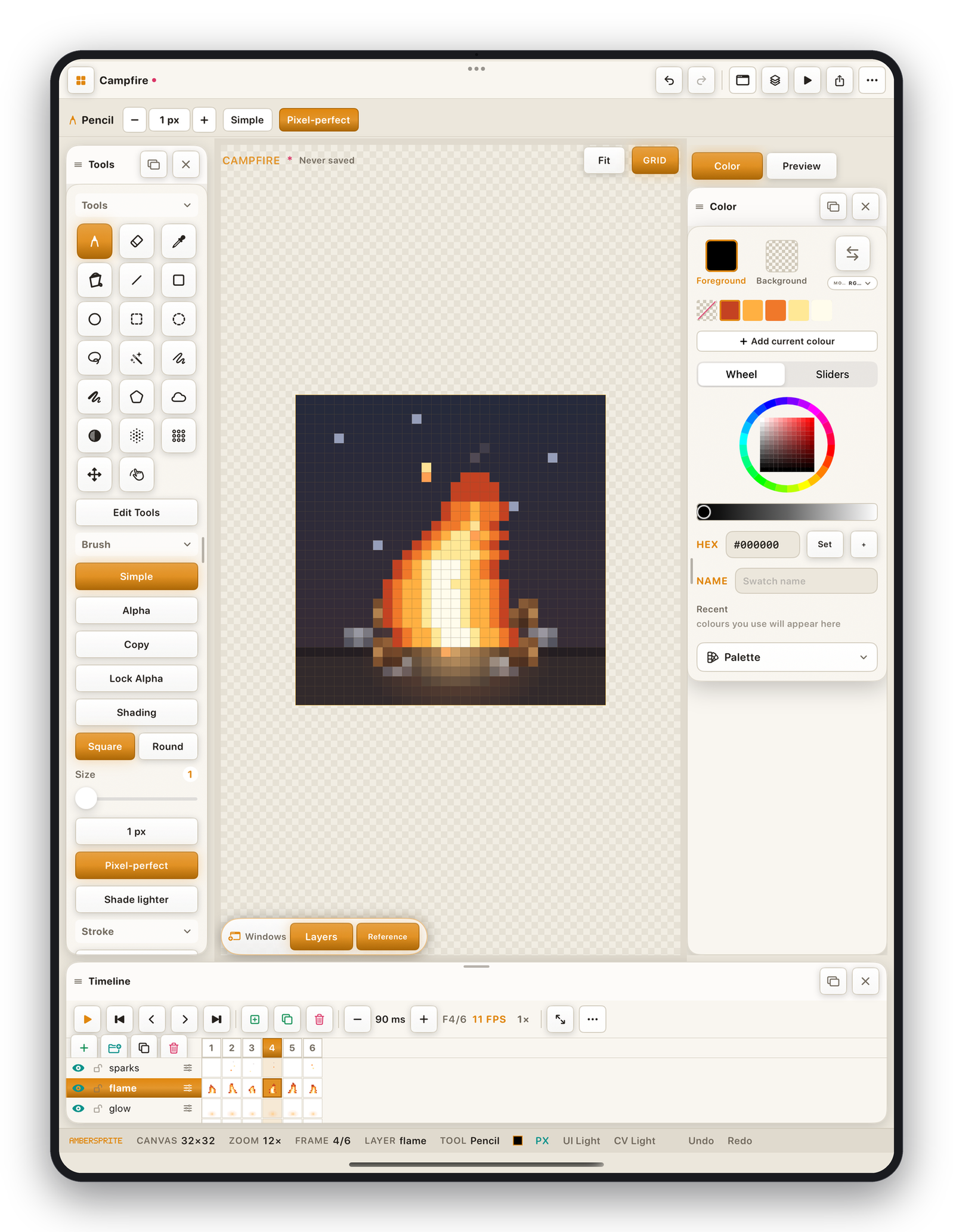
Freehand#
| Tool | Icon | Use |
|---|---|---|
| Pencil | pencil tip | The main drawing tool. Hard-edged, pixel-perfect. Hold Shift or turn on Angle snap for straight segments from the last point. |
| Eraser | eraser | Paints transparency (or the background colour on a background layer). Same brush options as the pencil. |
| Spray | cloud | Scatters pixels within the brush radius — density builds up while you hold. Good for texture and noise. |
| Shading | half-circle | Moves painted pixels one step along a light→shadow ramp instead of replacing them. Set the direction with Shade lighter / Shade darker in the tool options. Works best with an indexed palette or a defined ramp. |
| Blur | aqi | Softens edges by averaging neighbouring pixels within the brush. Use the radius slider. |
| Jumble | grid | Randomly shuffles nearby pixels for a dithered / noisy texture. Select an area first to contain it. |
Shapes#
Drag to define the shape; lift to commit. While dragging you can adjust — nothing is painted until you release.
| Tool | Use |
|---|---|
| Line | A straight pixel line between two points. |
| Rectangle | An axis-aligned box. |
| Ellipse | A pixel ellipse. |
| Curve | A quadratic curve — set two endpoints, then bend the middle. |
| Contour | A multi-point open path you tap out point by point. Double-tap or press Return to finish. |
| Polygon | A closed multi-point shape. In its options you can switch Paint ↔ Select so it commits a polygonal selection instead. ⌫ removes the last point, Esc cancels. |
Shape options in the context bar:
- **Filled / Outline*— fill the shape or just stroke it.
- **Snap / Free*— constrain to squares / circles / 45° angles.
- **From corner / From centre*— where the drag anchors.
Fill & Eyedropper#
The Fill (bucket) and Eyedropper tools have their own page — see Fill & Eyedropper.
Gradient#
The Gradient tool has its own controls (linear / radial, dithered, foreground→background). See Gradient & dithering.
Move, Transform, Hand, Text, Slice#
- **Move*and **Scale (transform)*are covered in Move & Scale.
- **Hand*pans the canvas (same as a two-finger drag) — useful with a stylus only.
- **Text*and **Slice*have their own pages.
The tool rail hides some power-user tools (Gradient, Scale, Slice, Text) on a fresh install. Tap Edit Tools at the bottom of the rail to show or hide any tool.