Welcome to Ambersprite
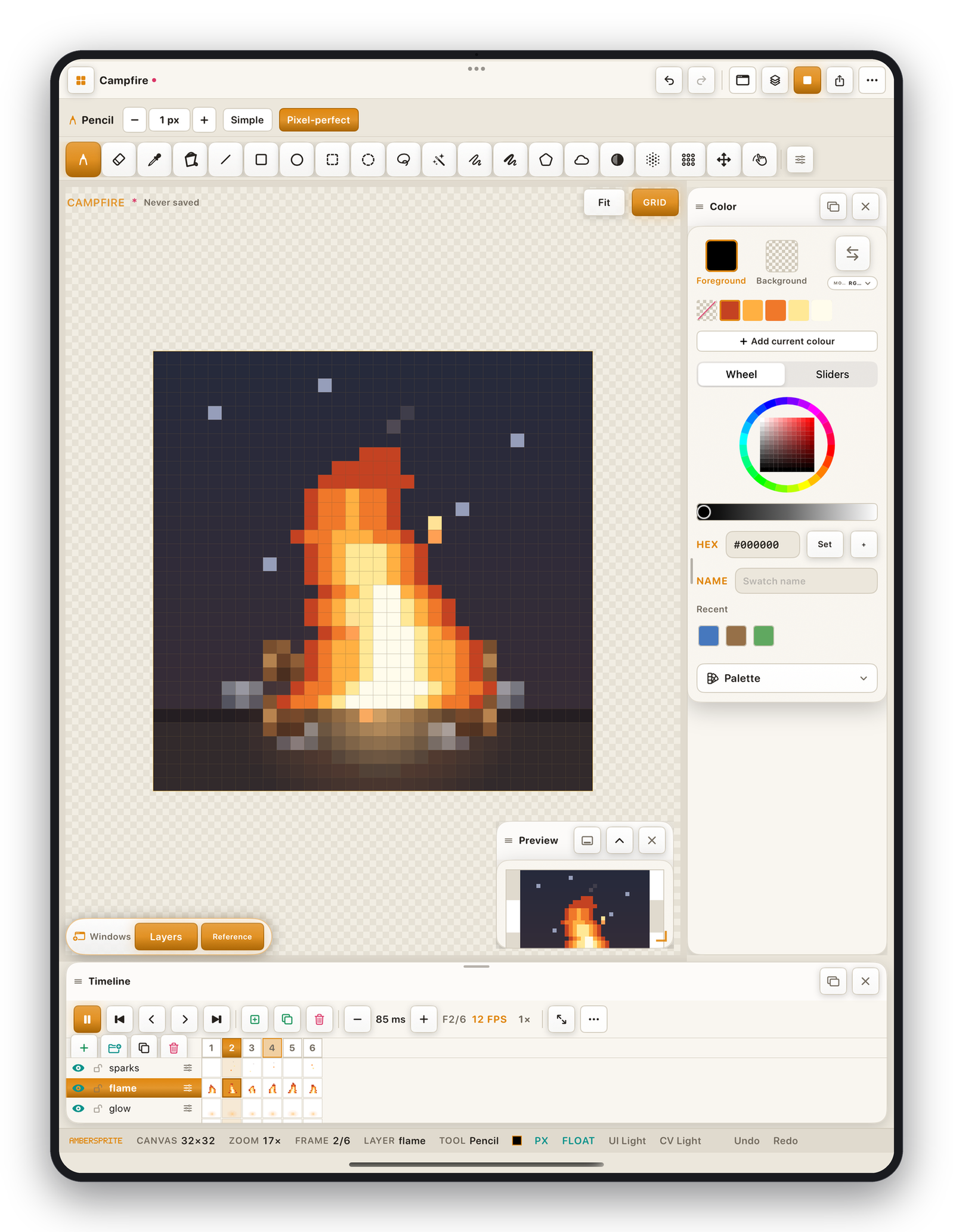
Ambersprite is a focused pixel-art and sprite-animation studio for iPad. You draw pixel-perfect artwork with a finger or Apple Pencil, animate it frame by frame, build tilemaps, and export to every format a 2D game or art project needs — PNG, GIF, APNG, video, sprite sheets, ASE, PSD, Tiled and more.
Everything you make stays on your device. There is no account, no advertising, no analytics, and the app makes no network connections.
What you can do#
- **Draw*with a pencil, shapes, curves, gradients, dithering, custom brushes and symmetry, all snapped to the pixel grid.
- **Colour*with an HSV wheel or RGB/HSV sliders, editable palettes, and RGBA / indexed / grayscale colour modes.
- **Layer*your art with groups, blend modes, opacity, clipping masks and non-destructive layer styles (outline, shadow, glow).
- **Animate*on a layers × frames timeline with onion skin, tags, adjustable timing and live playback.
- **Build tilemaps*on rectangular, isometric or hexagonal grids, with a tileset editor and auto-tiling.
- **Export*to PNG, GIF, APNG, MP4, ASE, PSD, sprite sheets with JSON, PNG sequences, Tiled maps, texture atlases and bead patterns.
- **Never lose work*— Ambersprite continuously saves a recovery snapshot in the background.
How this manual is organised#
The sidebar groups pages by task. If you are new, start with Draw your first sprite, then read The interface and Gestures & Apple Pencil. Everything else you can read when you need it.
The manual opens in the language your app is set to. Change it any time from the language switcher at the top of the page, or in the app under Settings ▸ Appearance ▸ Language.
Requirements#
Ambersprite runs on iPad with iPadOS 17 or later. Apple Pencil (all generations, including Pencil Pro) is supported but not required — a finger draws too.